
For the past year or so, I have been running NetMonsterUKDatabase which hosts located cell IDs for mobile phone transmitters across limited regions in the UK and I thought it would be the perfect time on making a detailed installation guide for those who are new to it.
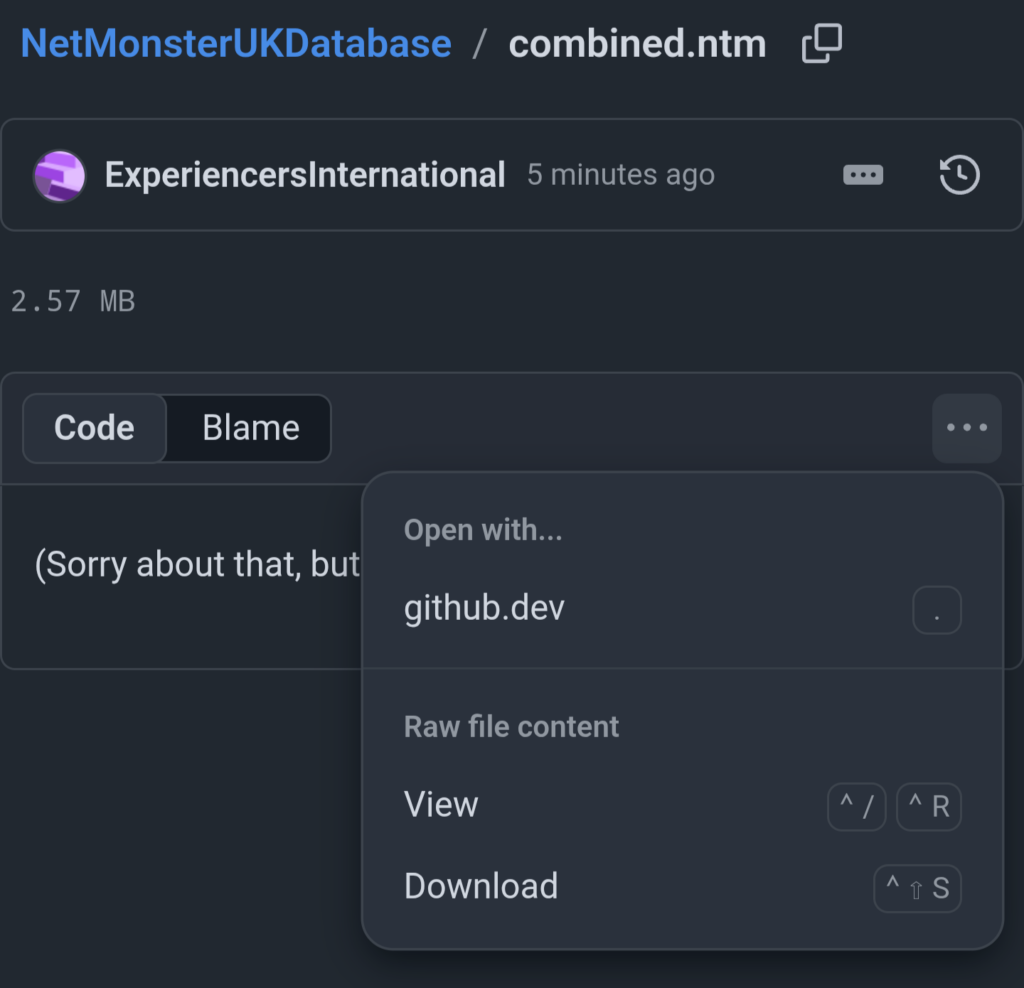
1 Download combined.ntm from the GitHub page. If your device downloads it as a TXT file, that is perfectly fine!
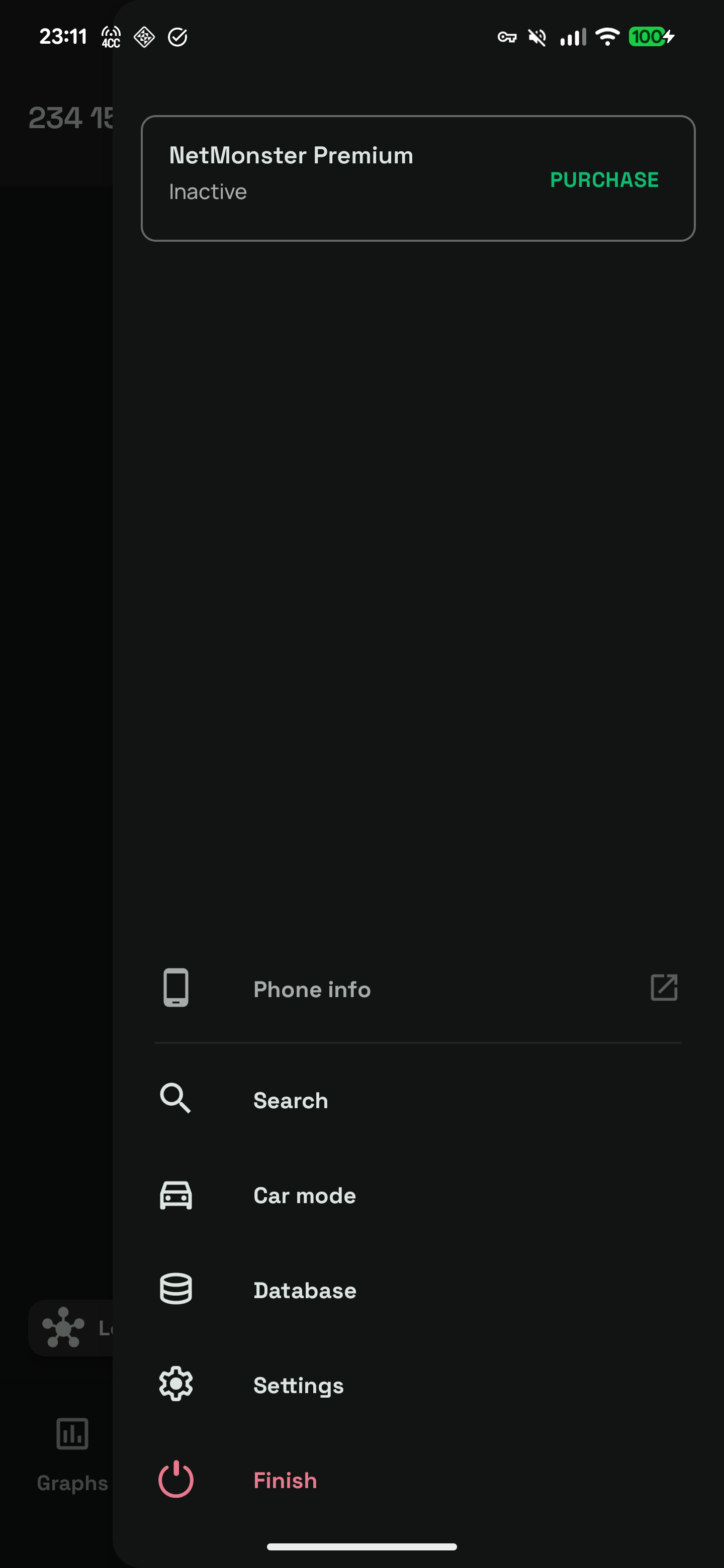
2 Head over to the NetMonster app, open the menu and select Database.
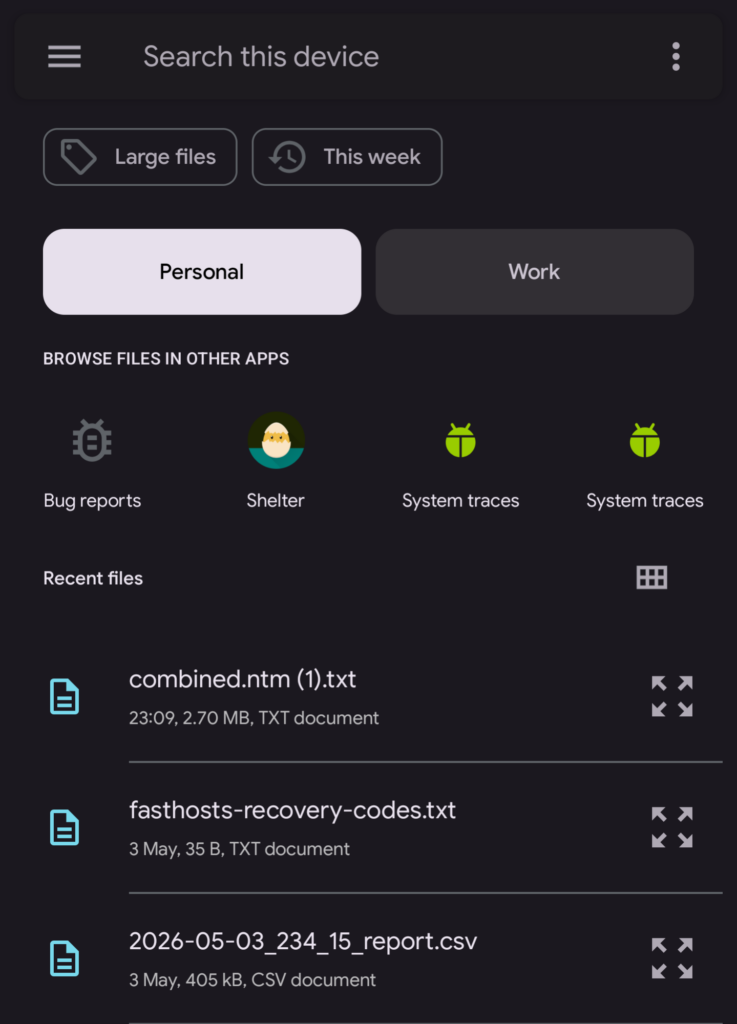
3 Press Import and pick a file. Your phone should automatically show recently modified files, pick the combined.ntm file you downloaded earlier.
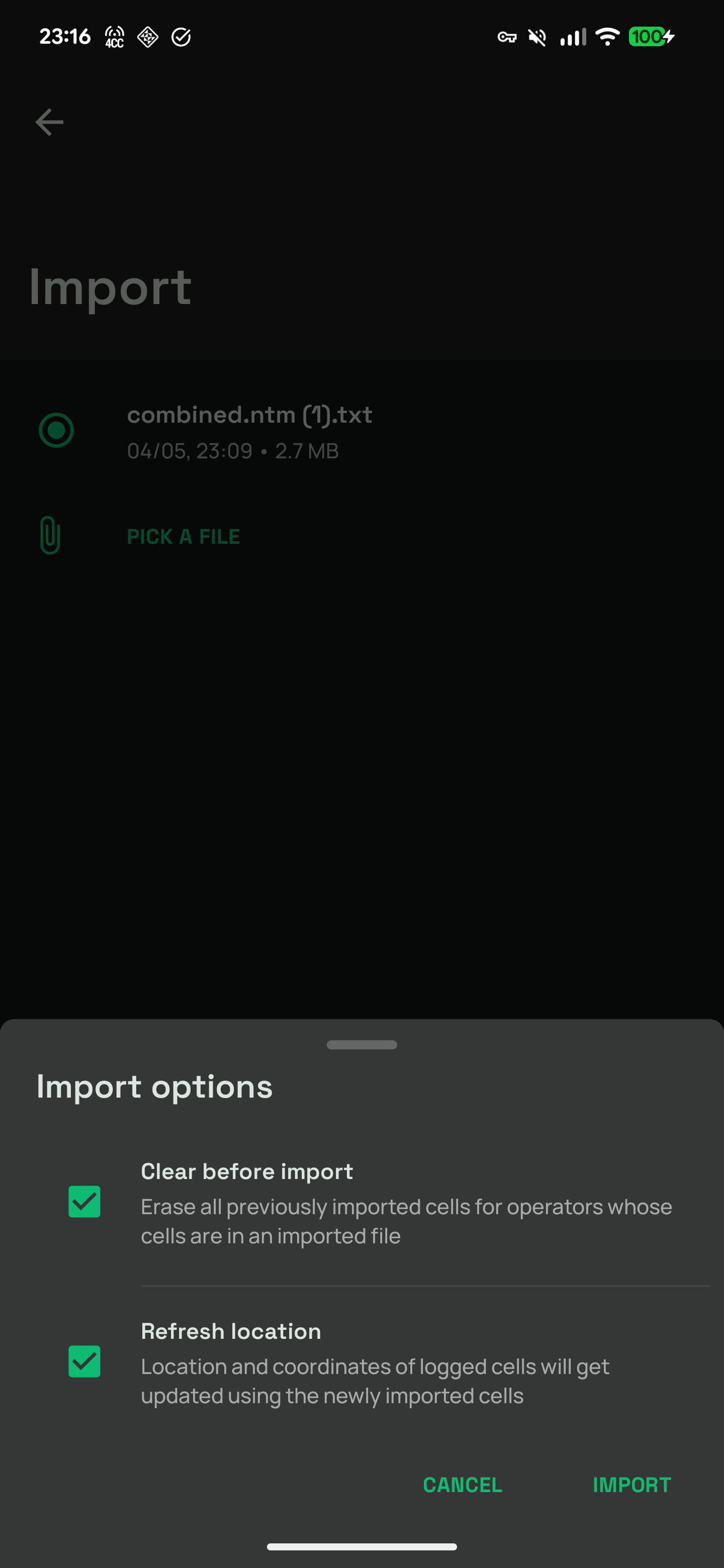
4 Press Import. You’ll see a pop-up asking you whether you want to clear any data from any other imported databases (it won’t affect any sites that you might have located in app) and refresh location of logged cells. In most cases, tick both boxes.
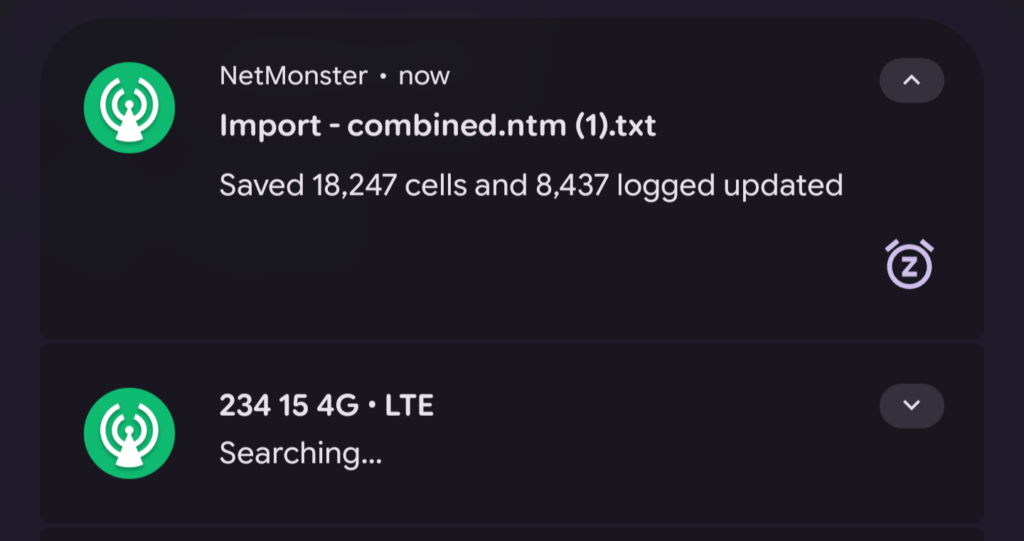
5 Your cells will now be imported into the app and you’ll see a notification letting you know how much you’ve imported.
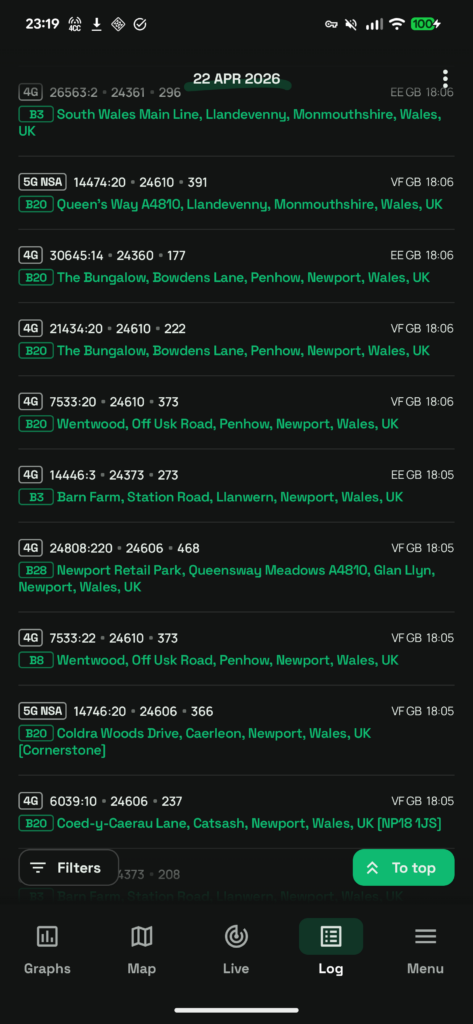
6 If you want to, you can check your logged cells through either the Log or Map views to see whether it located any cells you might have picked up. The database is largely made of my own data at the moment but I want it to improve.
If you like the work I do with NetMonsterUKDatabase and want to support it, the best thing you can do is share it around with others. I would love to see others appreciate the work I’ve put into this and contribute their own work if they’re comfortable in doing so!
Leave a Reply