
Tag: tutorial
-
(5)
-
(11)
-
(5)
-
(1)
-
(22)
-
(16)
-
(1)
-

Was that alert really necessary?
If you were in the UK on Friday 14th at around 7pm, you were probably about to have a chill night, perhaps watching a boxset or something. But instead, millions of phones across England and Wales triggered a loud alarm disturbing their night and has potentially caused problems for hundreds or thousands across the country.
-

Use Pairdrop to send files and text between devices
Throughout a lot of the work I do, sometimes I find it necessary to transfer files between devices and plugging in those devices can be annoying, especially if it’s just for a small file. Certain wireless solutions don’t always work for me, so that’s where Pairdrop comes in.
-
Am I on a Vodafone or Three tower?
Since Vodafone and Three have merged together, there’s been a lot of confusion on whether you’re on a Vodafone or Three tower. Find out now which one you are connected to in a few simple steps.
-
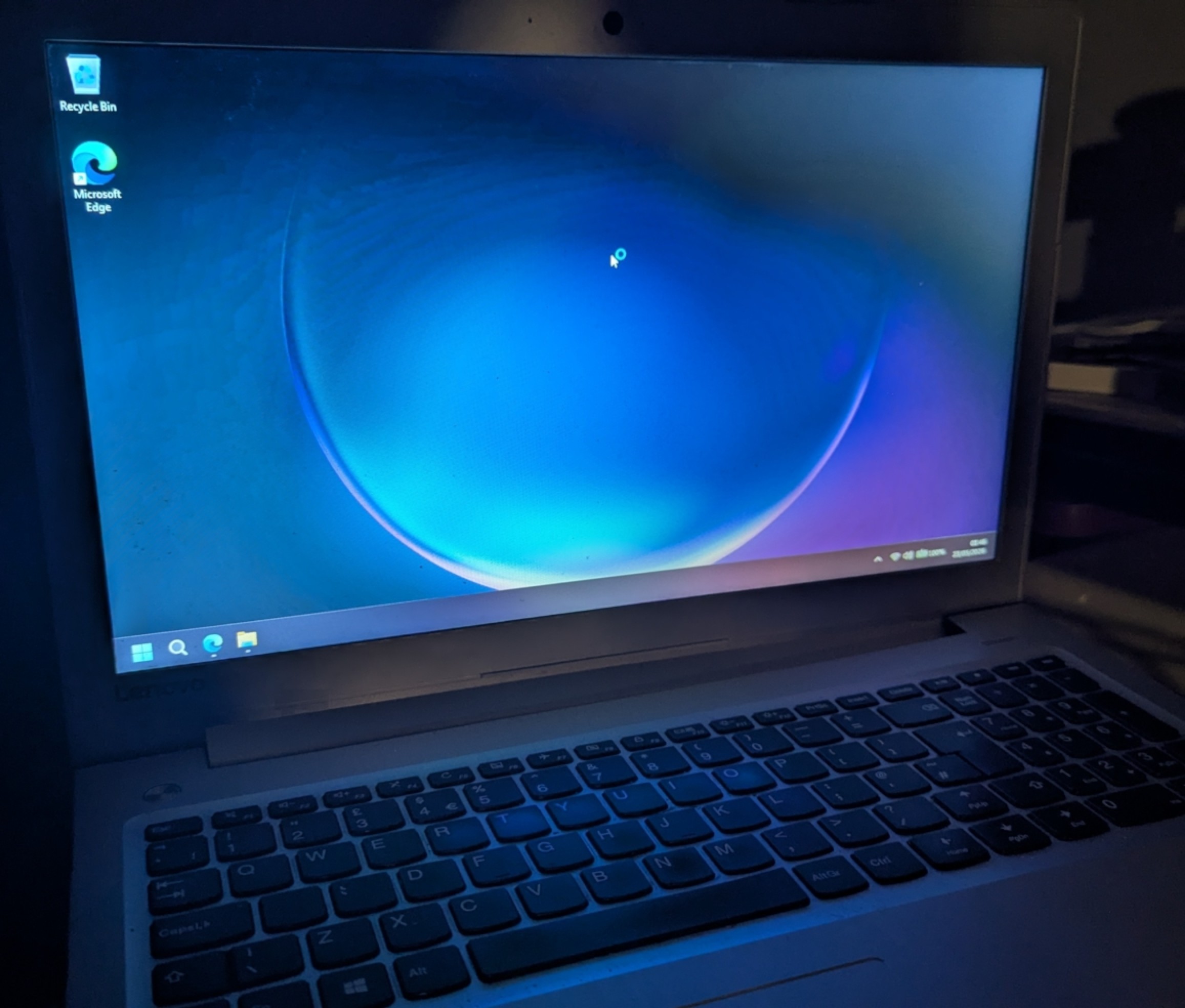
I regret installing Windows 11 on an old laptop
What happens when your main computer dies and you need to hand in a college project by next week? Install Windows 11 on your old one… except it isn’t quite that simple.
-
Use aliases to organise your emails in Gmail
Set up aliases for use in Gmail in 4 simple steps, including making an auto reply.
-
Restrict settings in Windows 10 & 11
This guide tells you how to restrict settings on Windows 10 and 11 using the Group Policy editor, or an open source app called PolicyPlus. This can be useful for locking down settings for a child for instance (say you could stop them accessing the settings for where you can download apps from). WARNING: Despite…
-
Store your music library in YouTube Music for free
Believe it or not, I have a decently sized library of music on my computer, but it’s kind of non viable to have this amount on a mobile device or some other devices. Today, I just want to talk about uploading your music manually to YouTube Music to watch ad free and with download support.…
-
Block adverts on every device without installing software
Advertisements are annoying. I get that. And if you find them annoying, this guide will show you how to disable (well at least most of them), on every single device without needing something such as a PiHole. This uses AdGuards public DNS servers to run advertisement blocking. Considering how I make YouTube videos and rely…